Health Check Operations Guide
Operator reference for PackMyApp admin health checks and the daily email report.
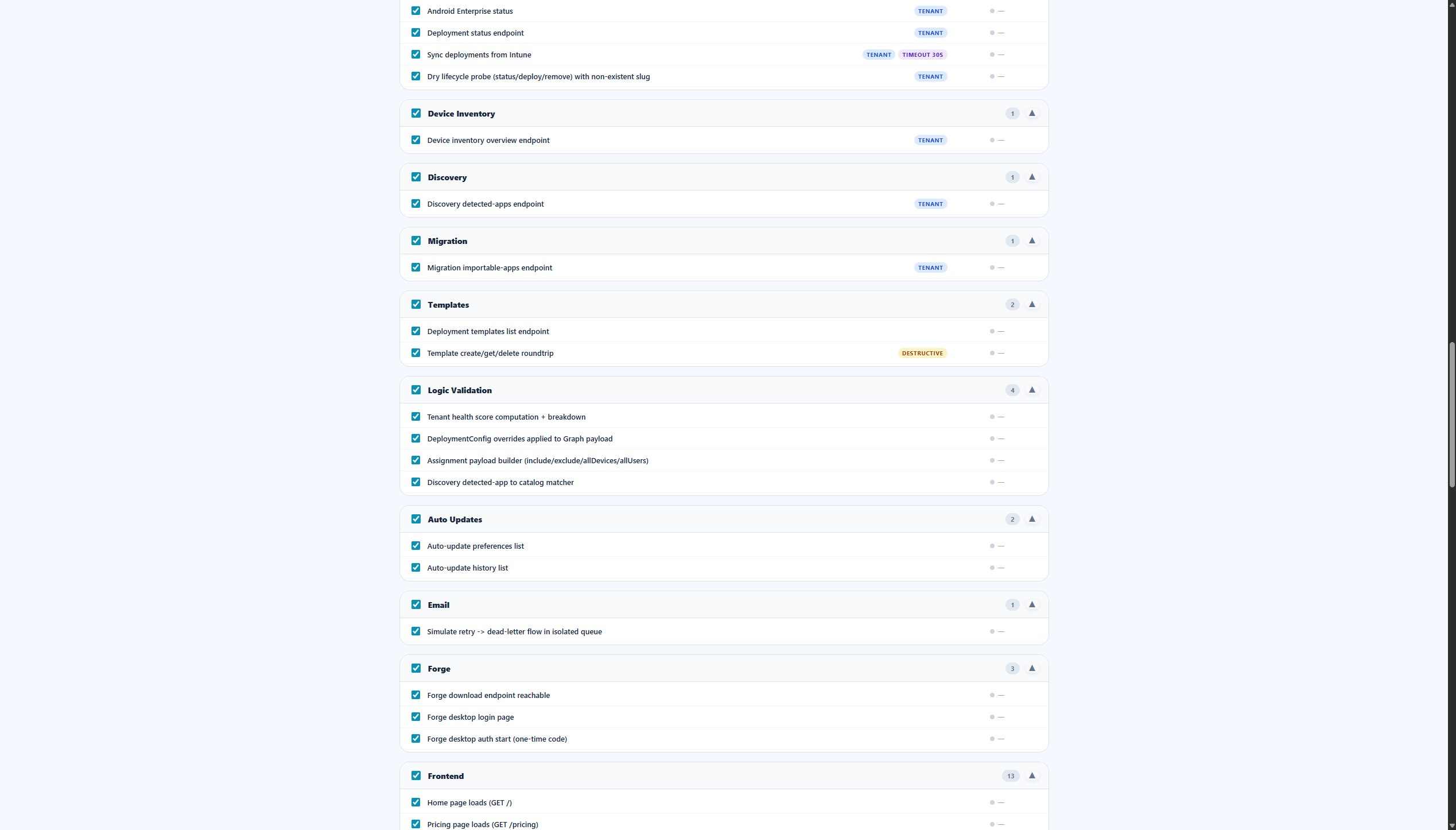
Daily automated report
| Setting | Default |
|---|---|
HEALTH_CHECK_DAILY_REPORT_ENABLED |
true |
HEALTH_CHECK_DAILY_REPORT_TIME |
07:00 |
HEALTH_CHECK_DAILY_REPORT_TIMEZONE |
Europe/Amsterdam |
HEALTH_CHECK_DAILY_REPORT_RECIPIENT |
esoysal@prosystech.nl |
The scheduler runs inside the web app process. After each safe-mode run completes, an HTML summary is emailed via Azure Communication Services.
Manual run
- Open
/admin/health-check - Click Email report now (or Start Health Check for a custom selection)
- Track progress under Previous Runs
Runs triggered by the daily report show daily-health-report (email report).
Azure execution model
On Azure App Service, health probes run on a dedicated background thread with loopback HTTP (127.0.0.1:{PORT}). This avoids deadlocks where the app would otherwise call itself on the same async event loop.
Stale runs
Runs stuck in running for more than 45 minutes are auto-reconciled when history is loaded.
Required production settings
ADMIN_PASSWORD— required for unattended daily report authenticationACS_EMAIL_ENABLED=trueplus connection string and sender addressSESSION_SECRET_KEY— 32+ random characters
Troubleshooting
| Symptom | Check |
|---|---|
| No daily email | ACS settings, ADMIN_PASSWORD, spam folder |
Run stuck at 0/N |
Confirm site version ≥ 0.2606.11; inspect App Service logs for health-check |
| Status page failures | /status?quick=1 should respond in seconds after 0.2606.12+ |